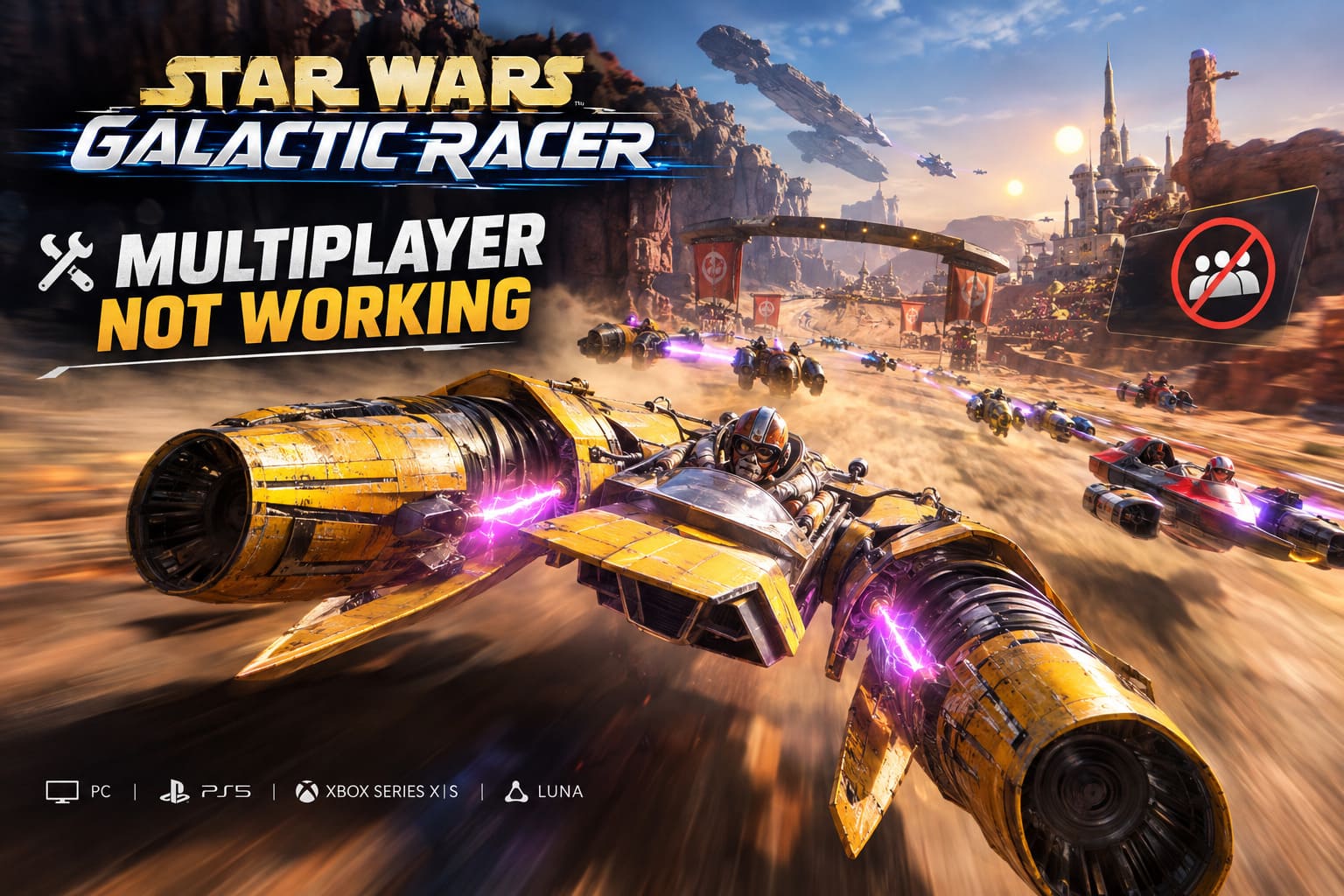
How to Fix Star Wars Galactic Racer Multiplayer Not Working: Full Guide
Roguelike progression, arcade racing, and a grid full of speeders screaming across Jakku, Tatooine and Ando Prime. On paper, Star Wars Galactic Racer from Fuse Games (published by Secret Mode) is exactly the kind of thing I’d stay up until 4 a.m. for. It’s out on PC, PS5, Xbox Series X/S and Amazon Luna, and the racing itself has hooks.
Then you open the multiplayer menu and nothing works. The button is greyed out, the lobby won’t load, or you get dumped out of a race right as the countdown starts. Steam threads and Reddit are full of the same complaints.
Here’s the thing, though: a good chunk of those “multiplayer is broken” posts aren’t bugs at all. So let’s sort the real problems from the launch-day design choices, then fix what can be fixed.
First, Check If Your Game Is Actually Broken
Before you start typing commands into Windows, read this section. It might save you an hour.
The party cap is 3 (yes, really)
You can only squad up with a maximum of 3 players right now. The full public grid is way bigger, with 12 racers in speeder events and 8 in podracer events, but your friends group is capped at three. The rest of the field gets filled with bots or random matchmaking players.
So if your fourth friend can’t join, nothing is wrong with your install. The devs have said a patch bumping parties to 6 players is coming, supposedly within the first few weeks after launch. Until then, you’ll have to rotate people in and out like a bad group project.
There are no private lobbies
I’ll be honest, this one stings. No custom matches, no “invite the boys and run a podrace grudge match.” Everything goes through matchmaking. If you were hoping to set up your own league night, you’ll have to wait.
No couch co-op, period
If you’re hunting for a split-screen option, stop. It doesn’t exist. Multiplayer is online PvP only. The good news is that Campaign, Arcade and Scenario modes work fully offline, so you can keep grinding upgrades while the servers sort themselves out. Any online mode needs a live internet connection, plus your platform’s subscription if you’re on console.
| What you’re seeing | Bug or design? | What to do |
|---|---|---|
| Can’t invite a 4th or 5th friend | Design (3-player cap) | Wait for the 6-player update |
| No custom/private lobby option | Design (missing at launch) | Nothing yet |
| No split-screen | Design (online only) | Play Campaign/Arcade offline |
| Greyed-out matchmaking | Probably a bug | Try the fixes below |
| Random disconnects at race start | Probably a bug | Overlays, DirectX fixes |
| Crossplay errors | Probably a bug | Re-authenticate (PS5 trick below) |
If your problem sits in the bottom three rows, keep reading.
PC Fixes (Steam)
I’d work through these in order. They go from “weird but effective” to “boring but necessary.”

Fix 1: The hypervisor reset
This one is strange, and I’d normally side-eye it, but it’s all over the Steam discussions and people say it works. The idea is that a conflict with CPU virtualization stops the engine from authenticating online matches properly. It shows up mostly on Windows 11 machines.
Here’s the routine:
- Hit the Windows key, type CMD, right-click Command Prompt, and choose Run as administrator.
- Enter:
bcdedit /set hypervisorlaunchtype off - Restart your PC.
- Open an admin Command Prompt again.
- Enter:
bcdedit /set hypervisorlaunchtype auto - Restart one more time, launch the game through Steam, and check the multiplayer menu.
Heads-up: this is a community workaround, not an official fix. It only touches a boot setting, and step 5 puts it back to default, so you’re not leaving anything permanently changed. Still, if you use virtual machines, WSL or similar tools, make sure you finish all six steps so everything goes back to normal.
Fix 2: Force a DirectX version
The game runs on Unreal Engine 5, and UE5 titles sometimes choke on online sessions when the graphics API fights with the server sync timing. You’ll see packet drops, a frozen UI, or a matchmaking screen that just hangs.
- Open your Steam Library and right-click STAR WARS: Galactic Racer.
- Click Properties.
- In the General tab, find the Launch Options box at the bottom.
- Type
-dx11, close the window and launch the game. - Still broken? Swap it for
-dx12and test again.
Try both. One of them will behave better on your hardware, and there’s no way to guess which in advance.
Fix 3: Kill your overlays
Overlays are the silent killers of online games. Anything that hooks into the game window can mess with the network UI, and in this game the symptom is getting booted right as a Quick Podrace begins.
Steam overlay:
- Library, right-click the game, Properties.
- In General, switch off Enable the Steam Overlay while in-game.
NVIDIA GeForce Experience:
- Open the app and click the gear icon next to your profile name.
- Under General, toggle off In-Game Overlay.
If you run Discord, MSI Afterburner, or any other overlay-style tool, turn those off too. It costs you nothing to test.
Fix 4: Verify your game files
Boring? Yes. Does it work more often than anyone wants to admit? Also yes. A download that got interrupted can leave network-related files corrupted or missing, and that can lock you out of the multiplayer menu entirely.
- Steam Library, right-click the game, Properties.
- Open Installed Files in the left sidebar.
- Click Verify integrity of game files.
- Let Steam scan. If it finds damage, it re-downloads clean copies on its own.
If you only try one fix from this guide first, I’d make it this one. It’s the least invasive.
Console Fixes (Xbox and PS5)
Console players get hit with a different set of problems. Mostly it’s old cached data or a subscription that quietly lapsed.
Xbox Series X/S
- Press the Xbox button to open the guide.
- Go to Profile & system, then Settings, then System.
- Pick Storage Devices, then Persistent storage, and choose Clear persistent storage.
- Double-check that your Game Pass Essential, Premium or Ultimate subscription is active. Online matchmaking on console won’t work without it.
Clearing persistent storage wipes cached server certificates that can go stale and block the connection. It’s a clean reset and costs you nothing.
PlayStation 5
- Make sure your PlayStation Plus subscription is active.
- If crossplay matchmaking is failing, open the in-game Settings, find the Account/Network options, and switch Crossplay Off.
- Save, restart the console, then switch Crossplay back On.
That off-and-on cycle forces the game to re-authenticate with the multi-platform servers. It sounds like a placebo, but crossplay errors tend to be exactly this kind of handshake problem.
Quick Troubleshooting Cheat Sheet
| Symptom | Try first | Then try |
|---|---|---|
| Greyed-out matchmaking (PC) | Verify game files | Hypervisor reset |
| Kicked at race start | Disable overlays | -dx11 / -dx12 |
| UI freezes in lobby | -dx11 / -dx12 | Verify game files |
| Crossplay error (PS5) | Toggle Crossplay off/on | Check PS Plus |
| Can’t connect (Xbox) | Clear persistent storage | Check Game Pass tier |
A Few Things I’d Do Regardless
Update the game. Fuse Games has said it’s rolling out hotfixes to deal with server load after launch. Some of what you’re fighting may simply be overloaded servers, and a patch could solve it without you touching a thing.
Test one change at a time. I know the temptation is to try everything at once. Don’t. If you stack five fixes and it suddenly works, you won’t know which one did it, and if it breaks again you’ll be back to square one.
Don’t judge the game by launch week. Launch-window multiplayer is almost always rough. Servers get slammed, matchmaking pools are thin, and the first hotfixes are usually the ones that matter most.
My Take on the Multiplayer Situation
I like what this game is going for. The roguelike layer on top of arcade racing gives each run some weight, and the tracks look great. But a party cap of 3 and zero private lobbies in a game that sells itself on racing against people is a rough combination. Racing games live on rivalries: running the same track again with your buddy who keeps taking the inside line on the final turn. Matchmaking-only, three-friend-max multiplayer doesn’t really give you that yet.
The promised 6-player party update is the thing I’m watching. If it lands on time and private lobbies follow, this could go from “fun but frustrating” to something that sticks with a group of friends for months. Right now, it’s a good solo game with an online mode still finding its feet.
FAQ
Is Star Wars Galactic Racer multiplayer cross-platform?
Yes, crossplay matchmaking exists, and it’s one of the places people are reporting errors. On PS5, the Crossplay off/on trick above is the one to try.
Can I play with more than 3 friends?
Not at the moment. Parties cap at 3, with a 6-player update planned.
Can I play offline?
Campaign, Arcade and Scenario modes work offline. Multiplayer doesn’t.
Is there split-screen?
No. Multiplayer is online PvP only.
Do I need a subscription on console?
Yes. Xbox needs an active Game Pass tier (Essential, Premium or Ultimate), and PS5 needs PlayStation Plus.
How to Fix Star Wars Galactic Racer Online Connection Errors and Server Issues
Final Word
Most of the pain here comes from two places: expectations that don’t match the launch feature set, and a handful of technical conflicts that are fixable. Rule out the party cap and missing features first. Then work through verify files, overlays, DirectX flags and the platform-specific resets. One of them will most likely get you back on the grid.
And if none of it works, check for a patch. The devs are shipping hotfixes, and sometimes the best fix is just waiting until tomorrow’s update.